Linkrium blog
Messaging productivity and unified inbox blog
Clear, practical ways to spend less time checking apps and more time following the conversations that matter.
Linkrium contact archive
Does Archiving a Contact in Linkrium Delete Messages?
Learn what happens when you archive a Linkrium contact, which conversation history remains, how restoration works, and which deletion cases are different.
5 min
Linkrium product update
New in Linkrium: Contact Tags and Saved Messages
Organize Linkrium contacts with tags and filtered lists, save important messages across conversations, search them, and return to their original context.
5 min
WhatsApp privacy
WhatsApp Usernames: Privacy, Rules, and How to Reserve Yours
WhatsApp usernames can hide your phone number from new contacts. Learn how reservations, username keys, exact-match search, format rules, and rollout work.
9 min
Planned message sending
How to Schedule WhatsApp and Instagram Messages
Learn how to schedule text messages for WhatsApp and Instagram, choose the right channel and time, verify delivery, and avoid common consent and automation mistakes.
10 min
Franz comparison
Franz vs Linkrium: Service Workspace or Contact Follow-Up
Compare Franz and Linkrium by service model, platform, AI approach, person-based organization, follow-up workflow and verified limitations.
2 min
Rambox comparison
Rambox vs Linkrium: App Workspace or Contact Timeline
Compare Rambox and Linkrium by app model, platform, workspaces, multi-login, person-based history, follow-up and current product boundaries.
2 min
Ferdium comparison
Ferdium vs Linkrium: Open Service Hub or Follow-Up Inbox
Compare Ferdium and Linkrium by service model, open-source access, workspaces, contact identity, synchronized search and follow-up workflow.
2 min
Beeper alternative
A Beeper Alternative for Contact-Based Follow-Up
Compare the workflow behind Beeper and Linkrium when the goal is not only finding messages, but connecting supported conversations to tasks and reminders.
2 min
Unified messaging comparison
How to Choose the Best Unified Messaging App for Your Workflow
Compare unified messaging apps by connection model, network coverage, person identity, search, follow-up, privacy and verified limitations.
2 min
WhatsApp and Instagram
WhatsApp and Instagram in One Person-Based Inbox
See supported WhatsApp and Instagram conversations together by person while retaining provider labels, connection limits and reply boundaries.
2 min
Instagram and email
Instagram and Email in One Contact Timeline
Keep supported Instagram messages and email conversations attached to one reviewed contact while preserving subjects, source labels and provider limits.
2 min
Client message workflow
How to Stop Missing Client Messages Across Apps
Create a reliable client-message workflow across supported accounts by separating replies, waiting items, dated actions and reference conversations.
2 min
Reply reminder workflow
How to Remember to Reply Without Leaving Messages Unread
Replace unread-message reminders with a simple system of immediate replies, message-linked tasks, waiting reviews and dated reminders.
2 min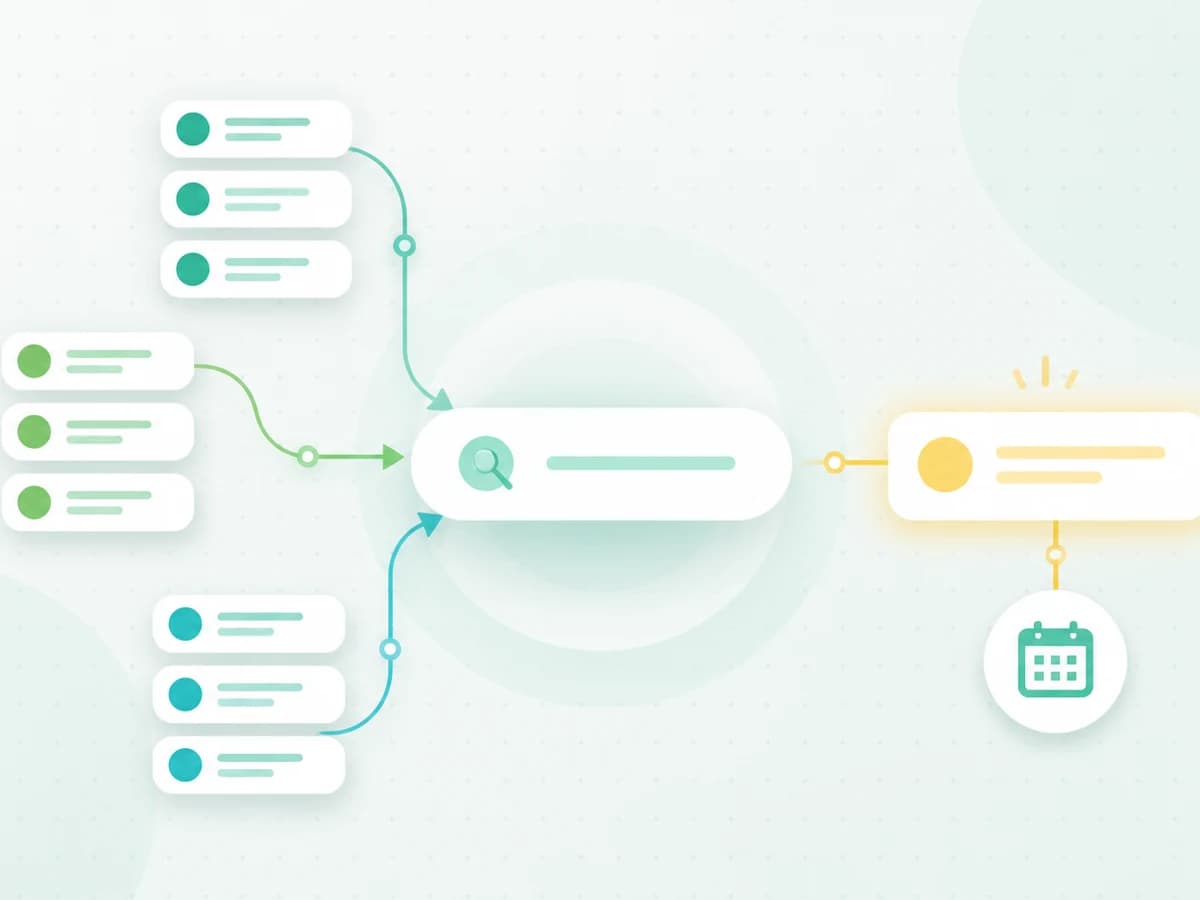
Cross-app message search
How to Find a Message When You Cannot Remember the App
Use a privacy-conscious search sequence to find a message when you remember the person, detail, date, or attachment but cannot remember which messaging app contains it.
8 min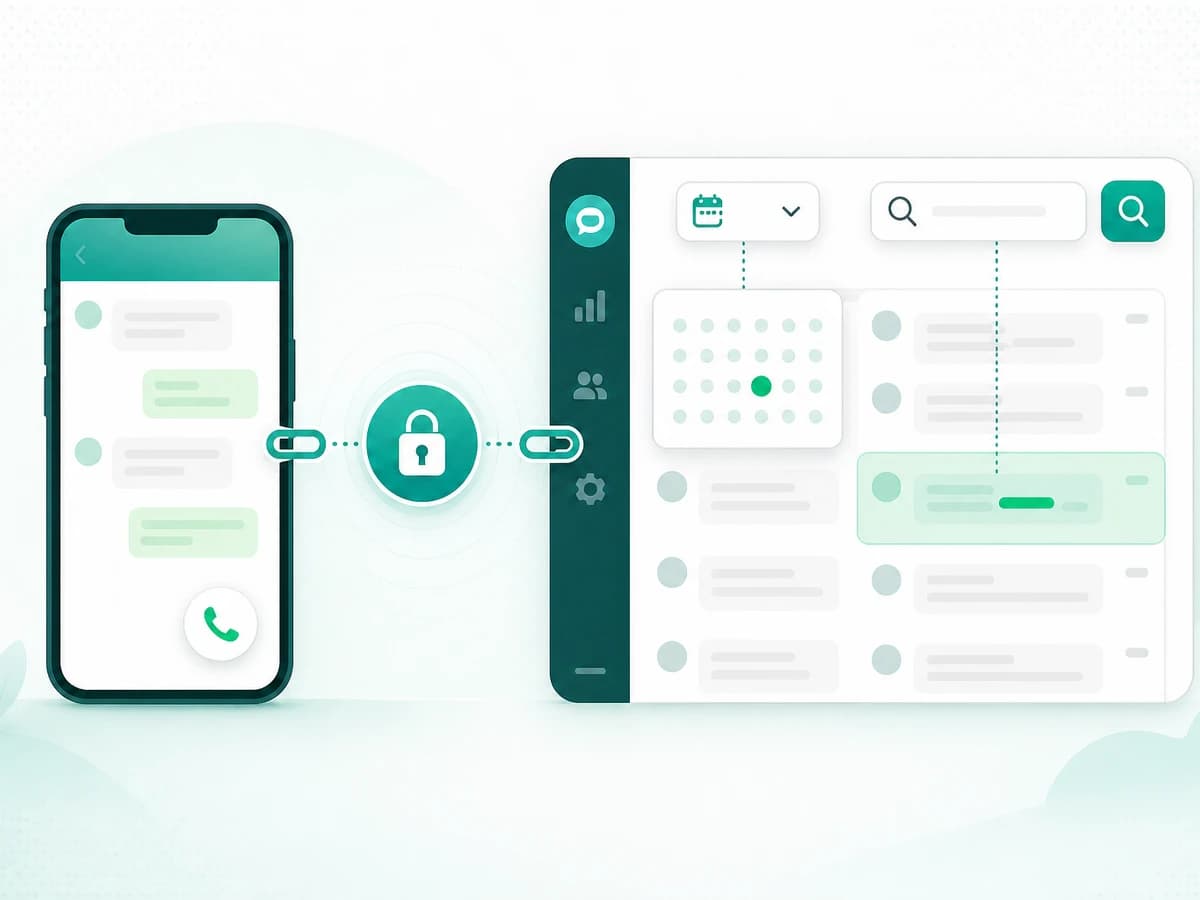
WhatsApp in Linkrium
Connect WhatsApp to Linkrium and Find Messages Faster
Connect your WhatsApp account to Linkrium, then find synchronized messages inside a conversation by keyword or jump directly to a chosen date.
7 min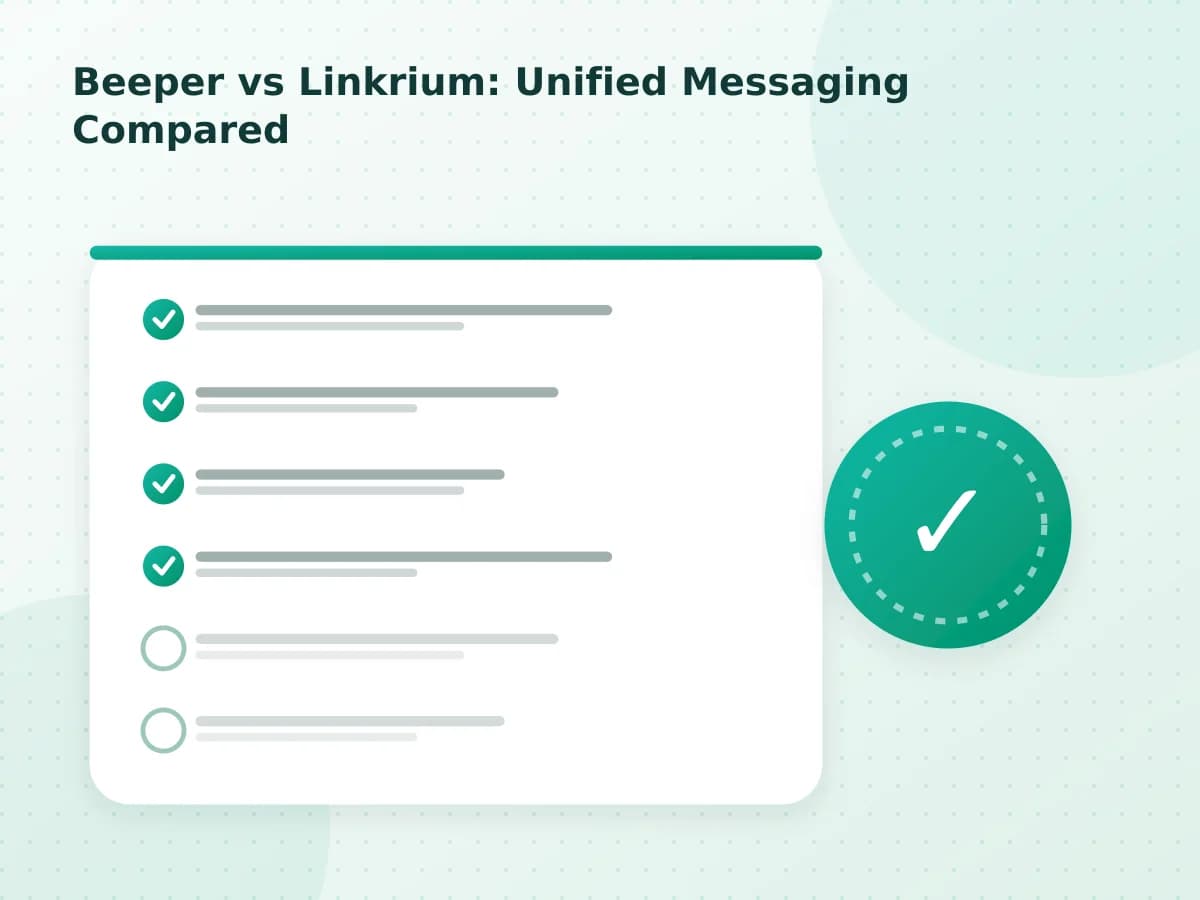
Beeper comparison
Beeper vs Linkrium: Unified Messaging Compared
Compare Beeper and Linkrium by supported networks, platforms, privacy model, person-based organization, actions, pricing and documented limitations.
3 min
Spanbox comparison
Spanbox vs Linkrium: Unified Inbox Compared
Compare Spanbox and Linkrium by supported services, platforms, privacy model, organizing approach, message actions, pricing and limitations.
2 min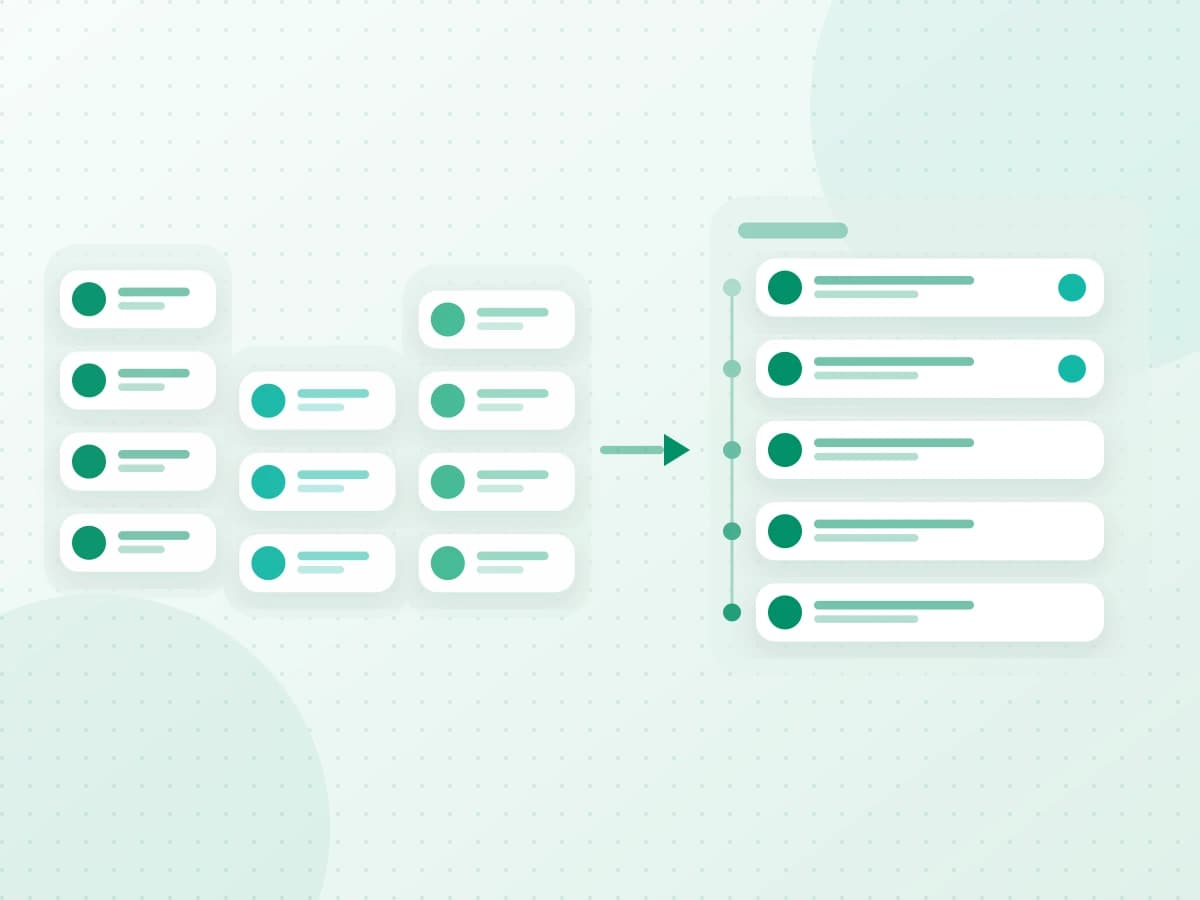
Message organization
How to Organize Messages Across Apps: 7 Steps
Use a seven-step system to organize messages across apps, reduce repeated inbox checks, preserve context, and make important conversations easier to find.
6 min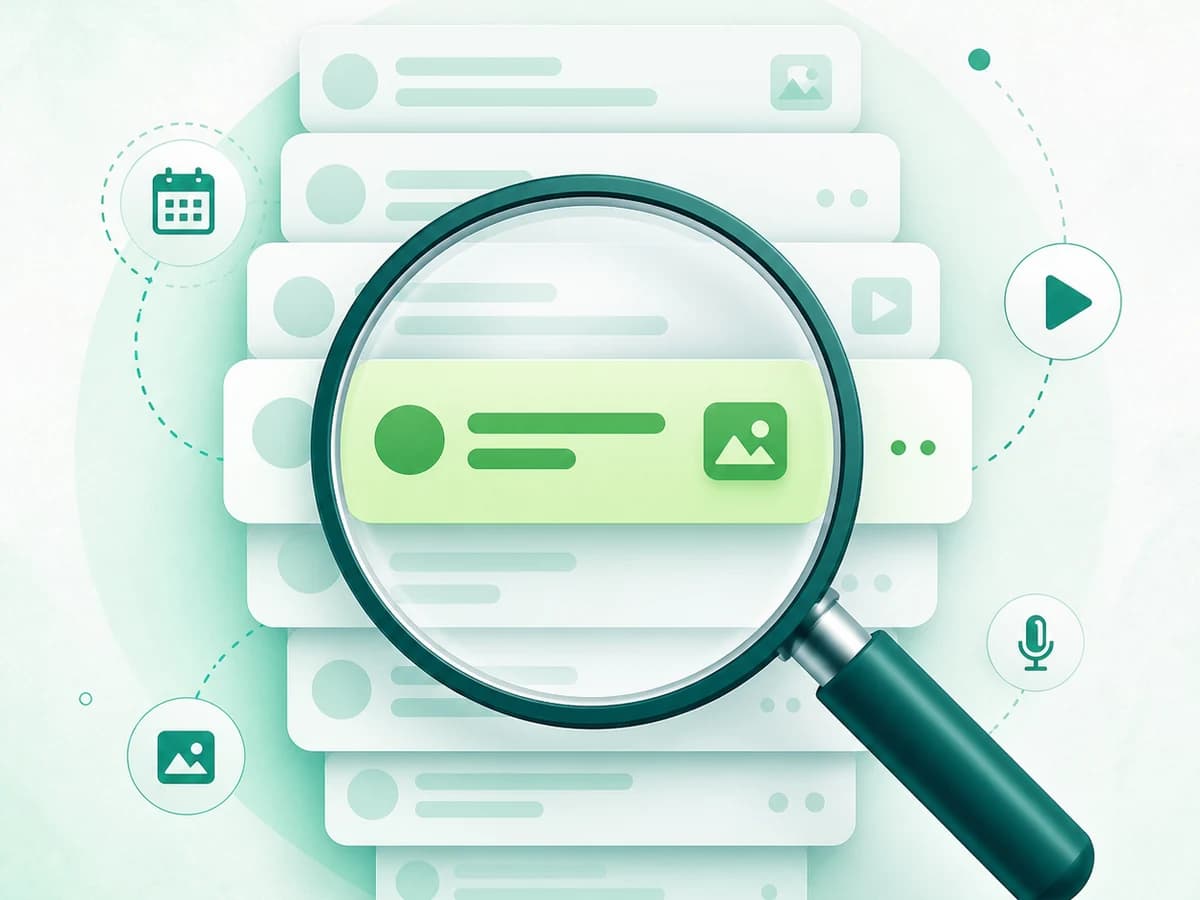
WhatsApp search guide
How to Search WhatsApp Messages by Date, Sender, and Media
Learn how to search WhatsApp messages by keyword, date, chat, sender context, and media type on iPhone, Android, Web, and Desktop, plus fixes for missing results.
8 min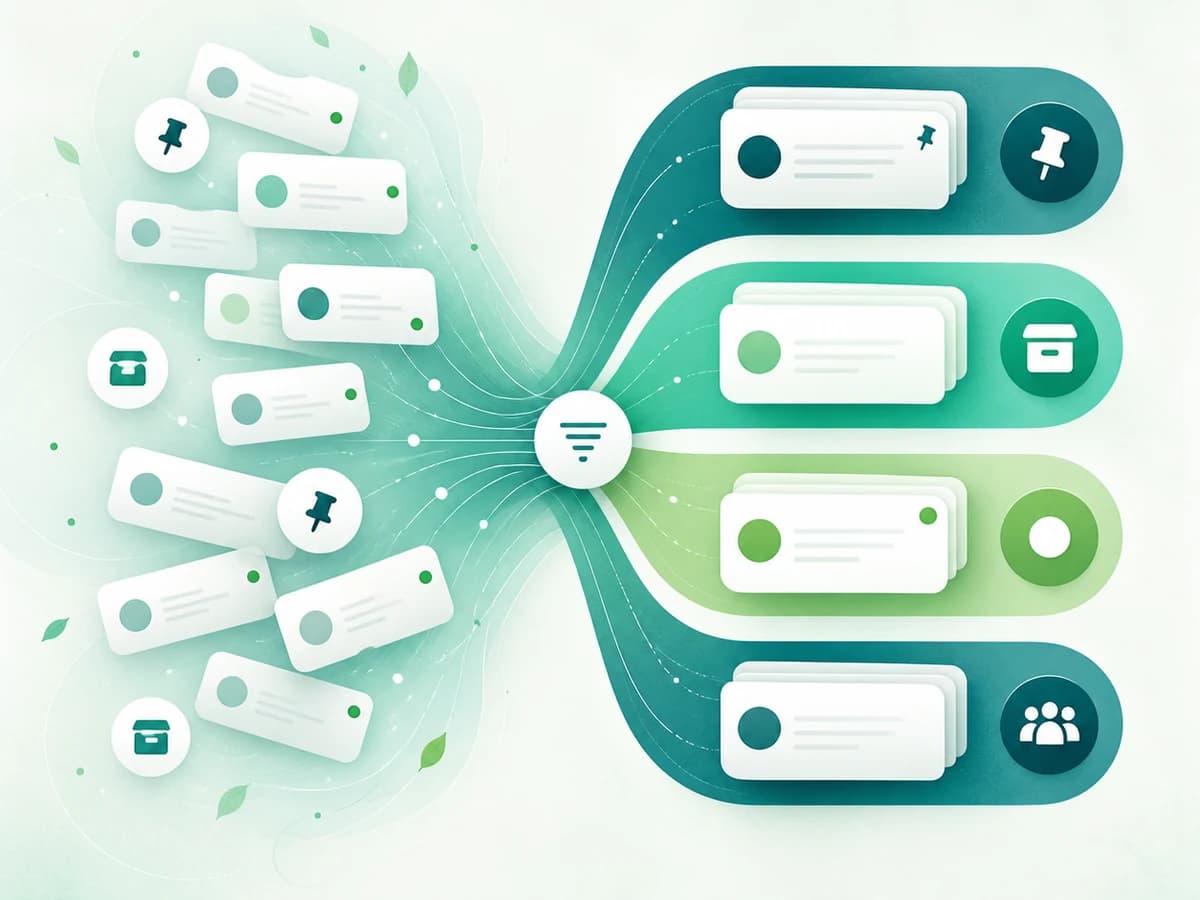
WhatsApp organization
How to Organize WhatsApp Chats with Lists, Filters, and Archive
Organize WhatsApp chats with custom Lists, unread and group filters, pins, favorites, archive, mute settings, starred messages, and a simple weekly routine.
8 min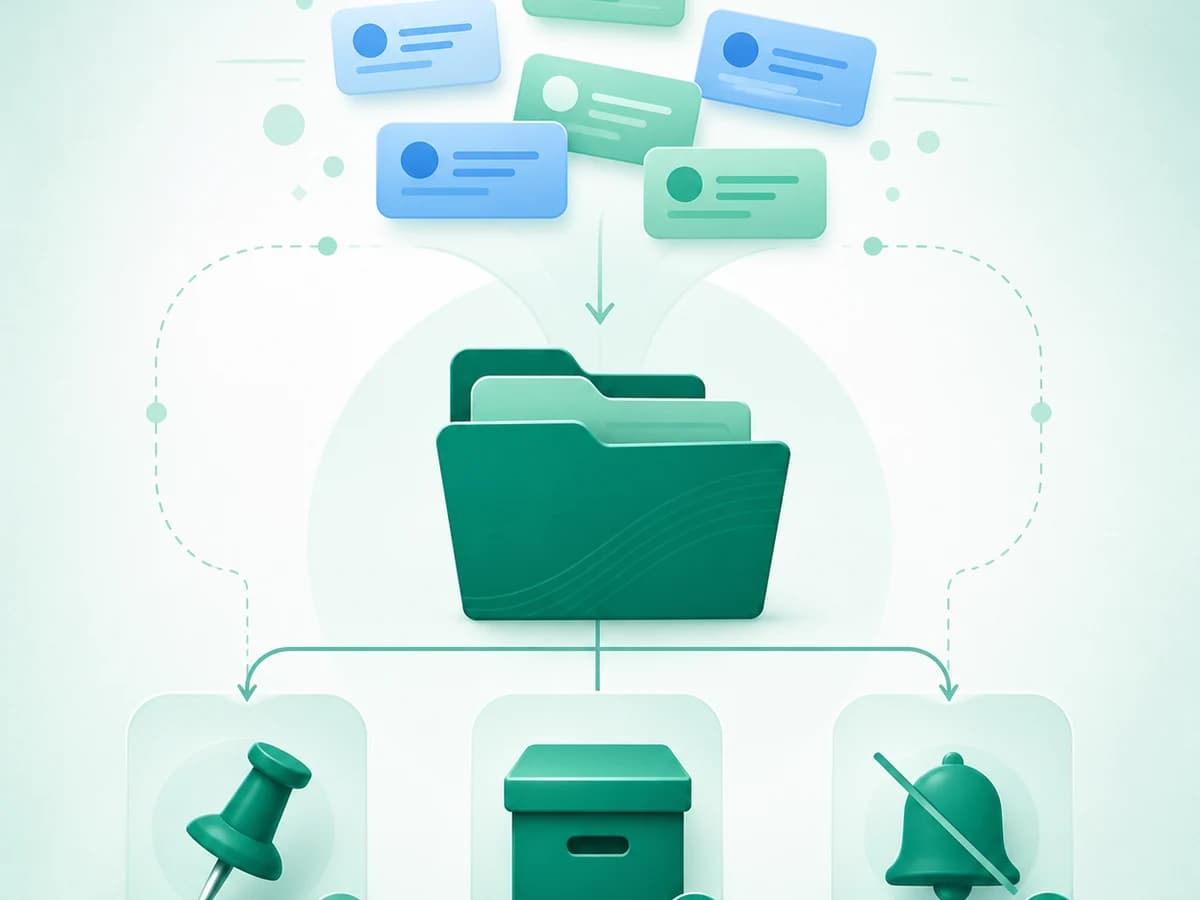
Telegram organization
How to Organize Telegram Chats with Folders, Archive, and Pins
Organize Telegram chats with folders, included and excluded chat types, archive, pins, muting, unread views, and shareable folder links across mobile and desktop.
8 min
Telegram Saved Messages
Telegram Saved Messages: Organize, Search, Tag, and Find Notes
Use Telegram Saved Messages for notes, links, files, and forwarded posts; organize with source views, search and Premium tags, and understand recovery limits.
8 min
Instagram DM search
How to Search Instagram Messages and Find Older DMs
Search Instagram messages and older DMs, understand native date-search limits, and use Linkrium to jump to a date in synchronized Instagram conversations.
9 min
Instagram message requests
Instagram Message Requests: Hidden, Missing, and Privacy Controls
Understand Instagram Message Requests and Hidden Requests, choose who can contact you, safely handle requests, and troubleshoot missing messages or notifications.
8 min
Messaging app comparison
WhatsApp vs Telegram: Privacy, Search, Groups, Files, and Devices
Compare WhatsApp and Telegram for everyday messaging across privacy, encryption, search, chat organization, groups, files, multiple devices, and backups.
10 min
Message overload
How to Reduce Message Overload Without Missing What Matters
Reduce message overload with a practical reset for notifications, response expectations, inbox checks, next actions, and conversations spread across apps.
6 min
Unified inbox comparison
Unified Inbox vs App Launcher: What Is the Difference?
Compare a unified inbox with app launchers and web wrappers, including shared search, contact history, notifications, account access, and provider limits.
6 min
Messaging app checklist
How to Choose an All-in-One Messaging App: 9 Checks
Evaluate an all-in-one messaging app with nine practical checks for supported accounts, unified search, contact matching, replies, security, and recovery.
6 min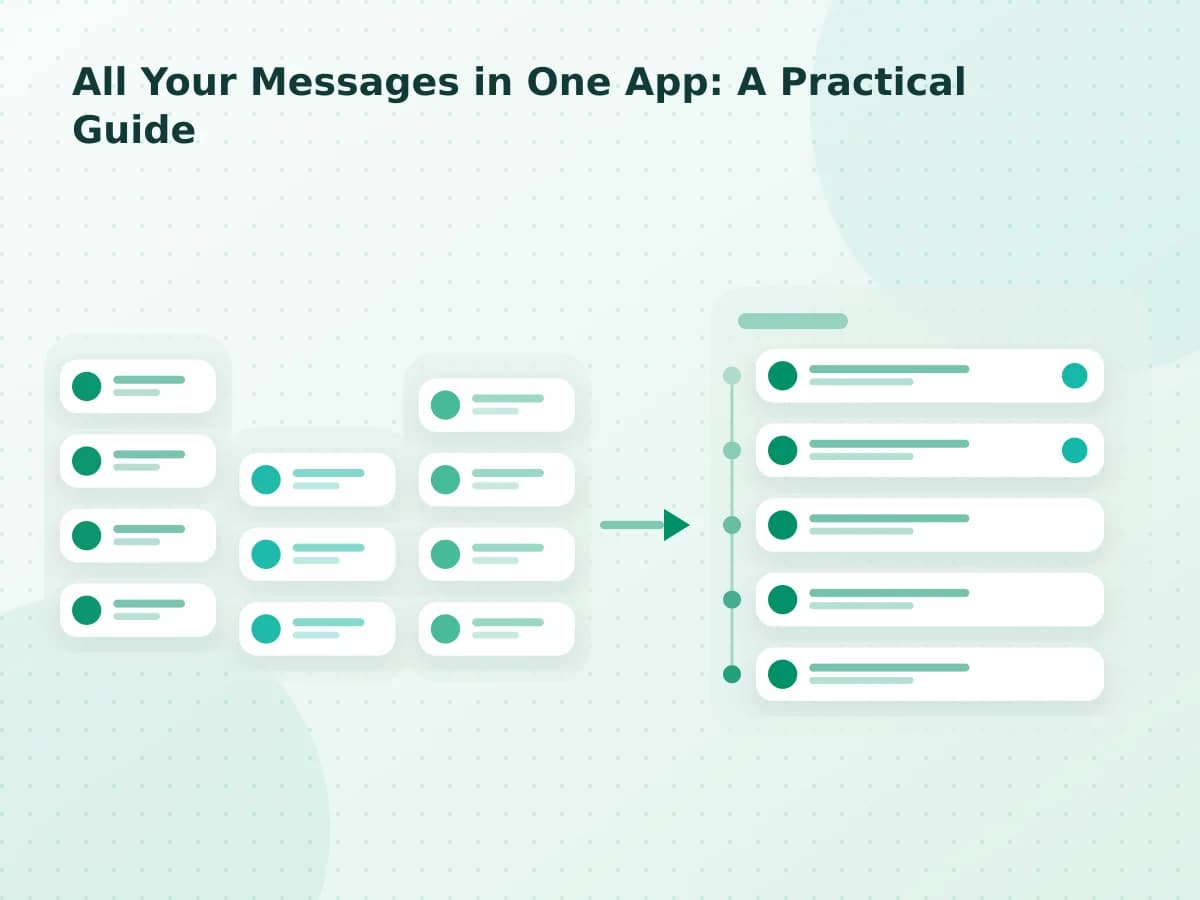
All-in-one messaging
All Your Messages in One App: A Practical Guide
Learn how an all-in-one messaging app organizes conversations, what a reliable aggregator must support, and which limitations to check before connecting accounts.
4 min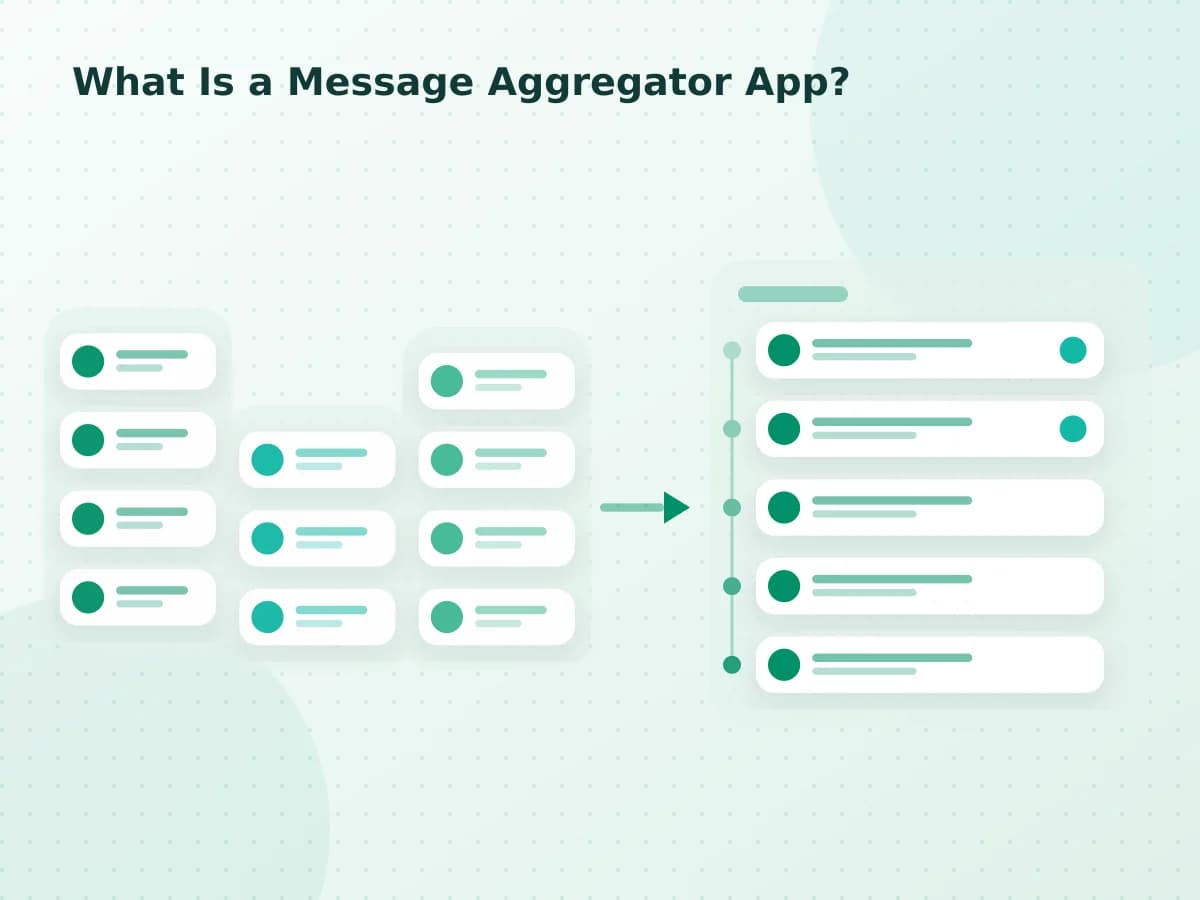
Message aggregator guide
What Is a Message Aggregator App?
Understand how message aggregator apps combine supported accounts, how they differ from app launchers, and what to verify before trusting a unified inbox.
3 min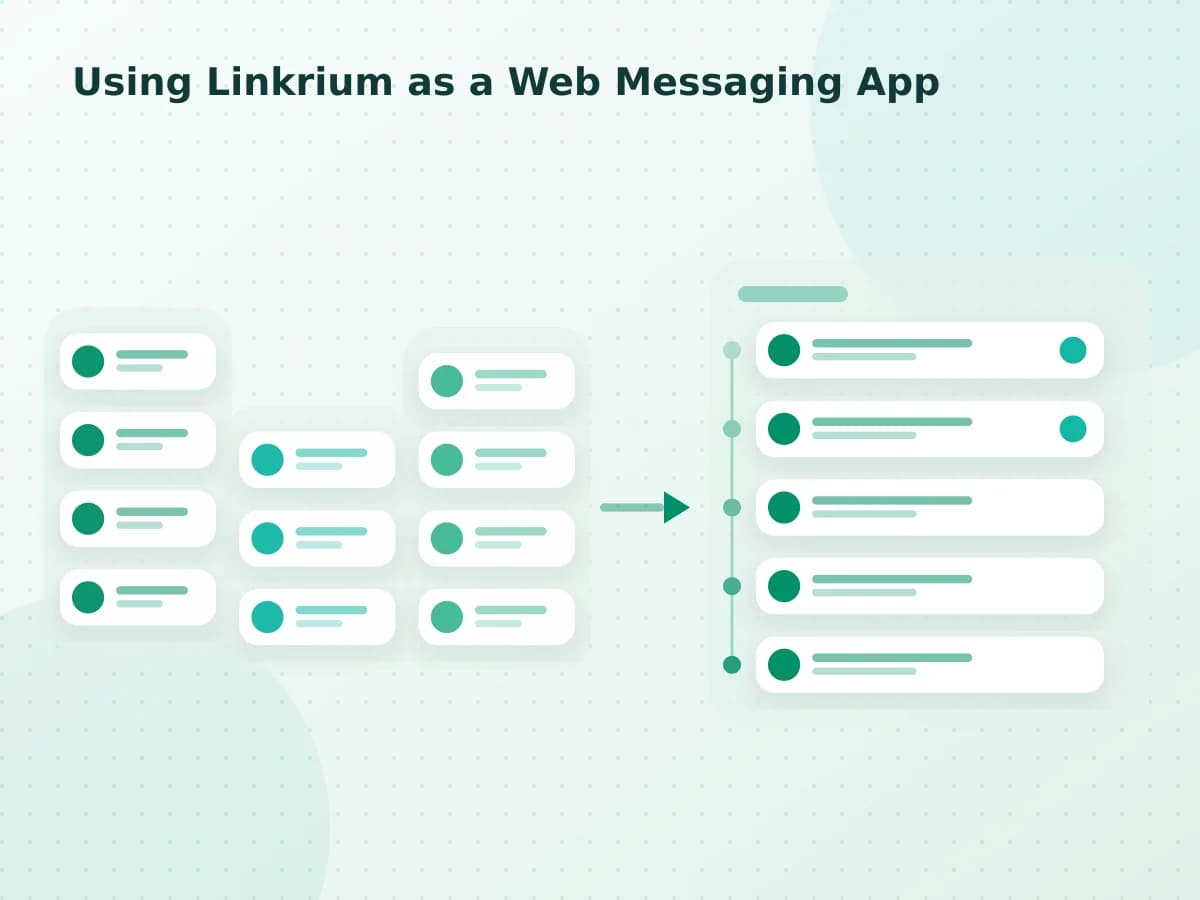
Web messaging app
Using Linkrium as a Web Messaging App
Learn what Linkrium’s browser-based inbox supports on mobile and desktop, what still requires an internet connection, and how it differs from a native app.
2 min
WhatsApp and Telegram
WhatsApp and Telegram in One Inbox
Learn how Linkrium places connected WhatsApp and Telegram conversations in one contact-based inbox, including setup boundaries and provider limitations.
1 min
WhatsApp and email
WhatsApp and Email in One Contact Timeline
See how connected WhatsApp messages and email threads can share one contact timeline without hiding subjects, channel labels, or provider-specific limitations.
1 min
WhatsApp and SMS
WhatsApp and SMS in One Inbox
Understand the workflow and limitations involved in combining connected WhatsApp and SMS conversations in a single contact-based inbox.
1 min
Telegram and email
Telegram and Email in One Contact Timeline
Learn how connected Telegram messages and email threads can appear in one contact timeline while retaining channel-specific context and limitations.
1 min